Design the album where the photos already are.
A first draft from the couple's favourites in a minute, a builder that works on your laptop and your phone, and print-ready files at the end. No exporting, no second app.
Amelia & Jordan · 12×12 album
Spread 3 of 18 · saved
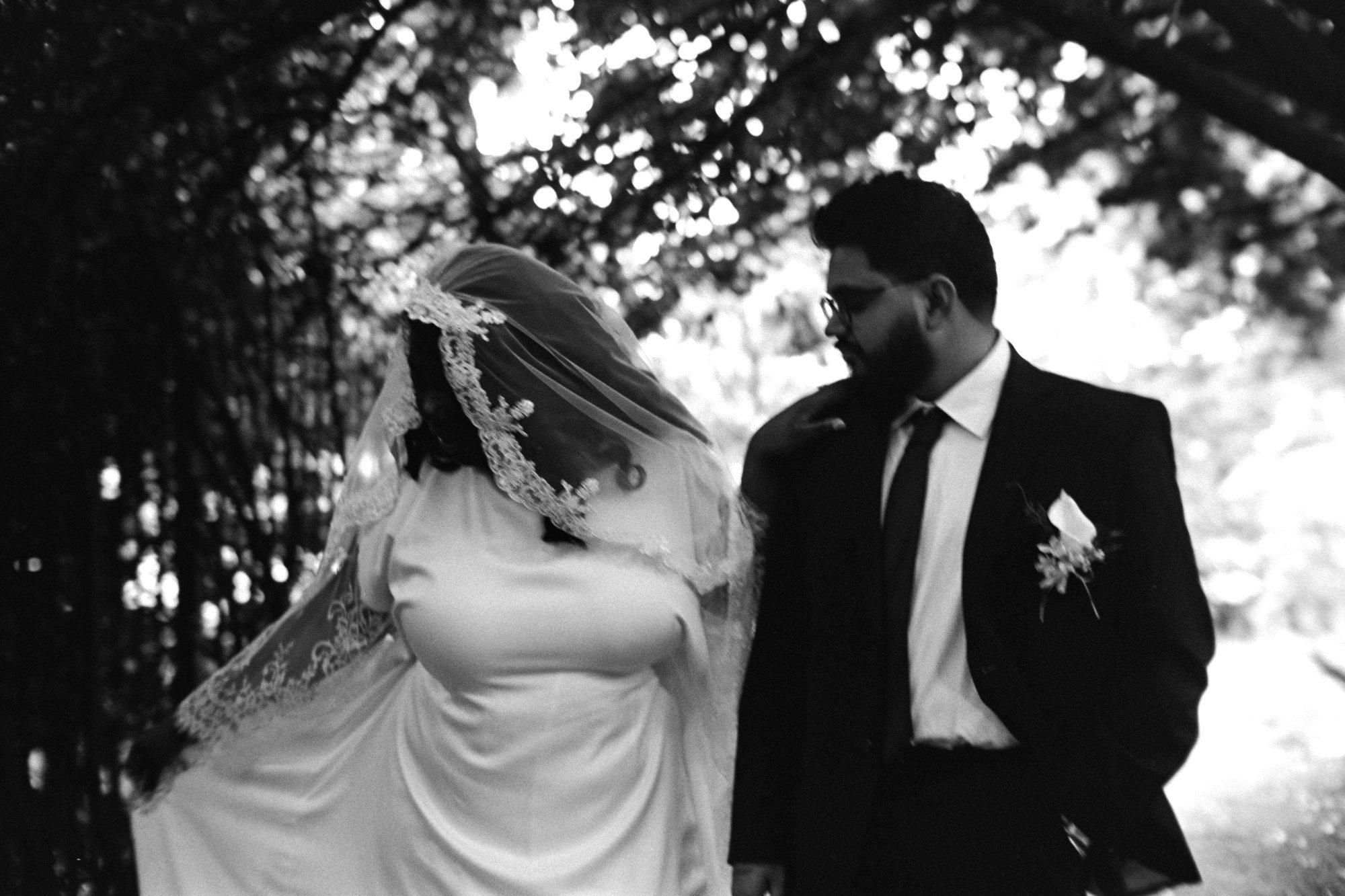
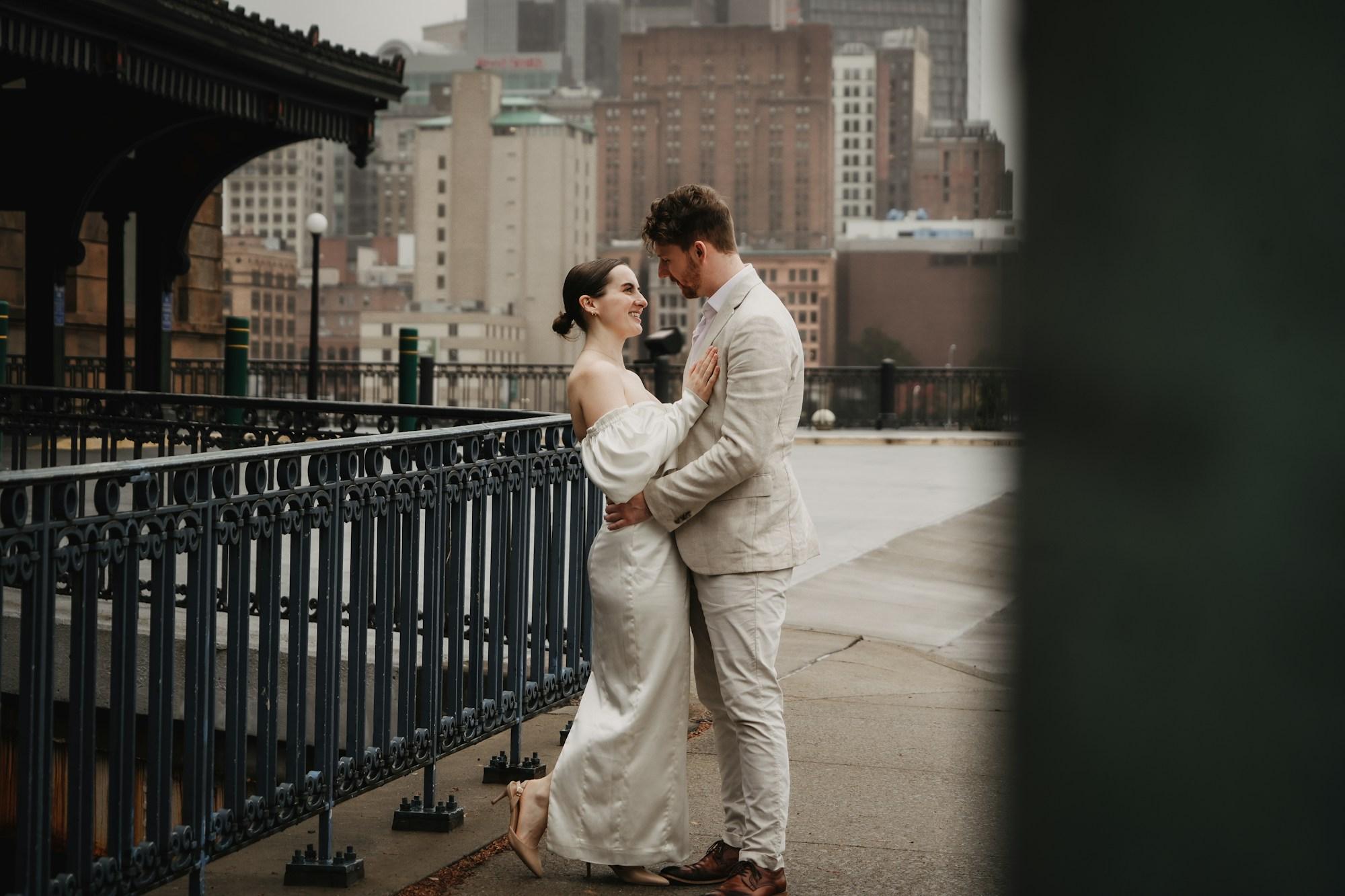
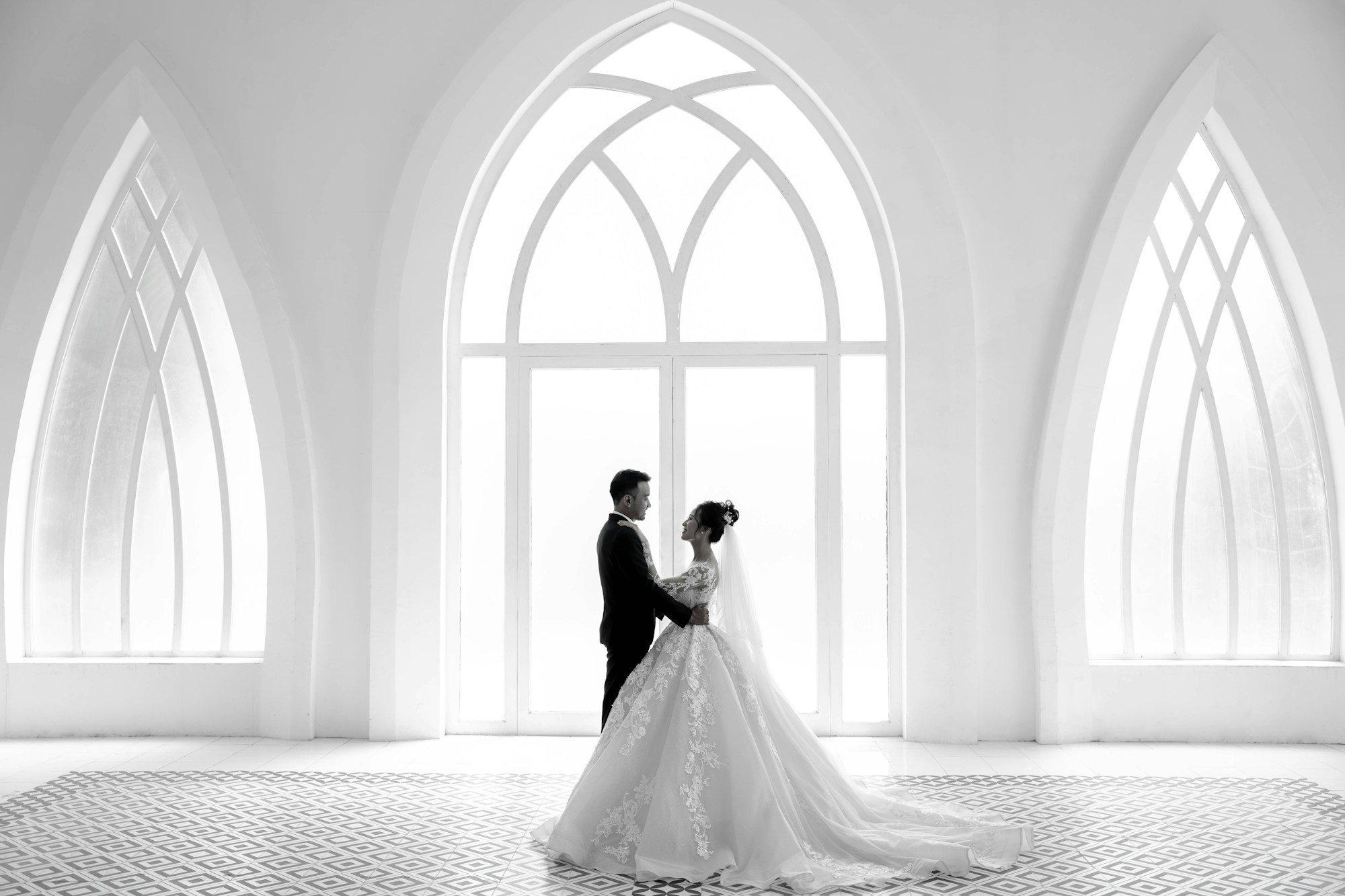
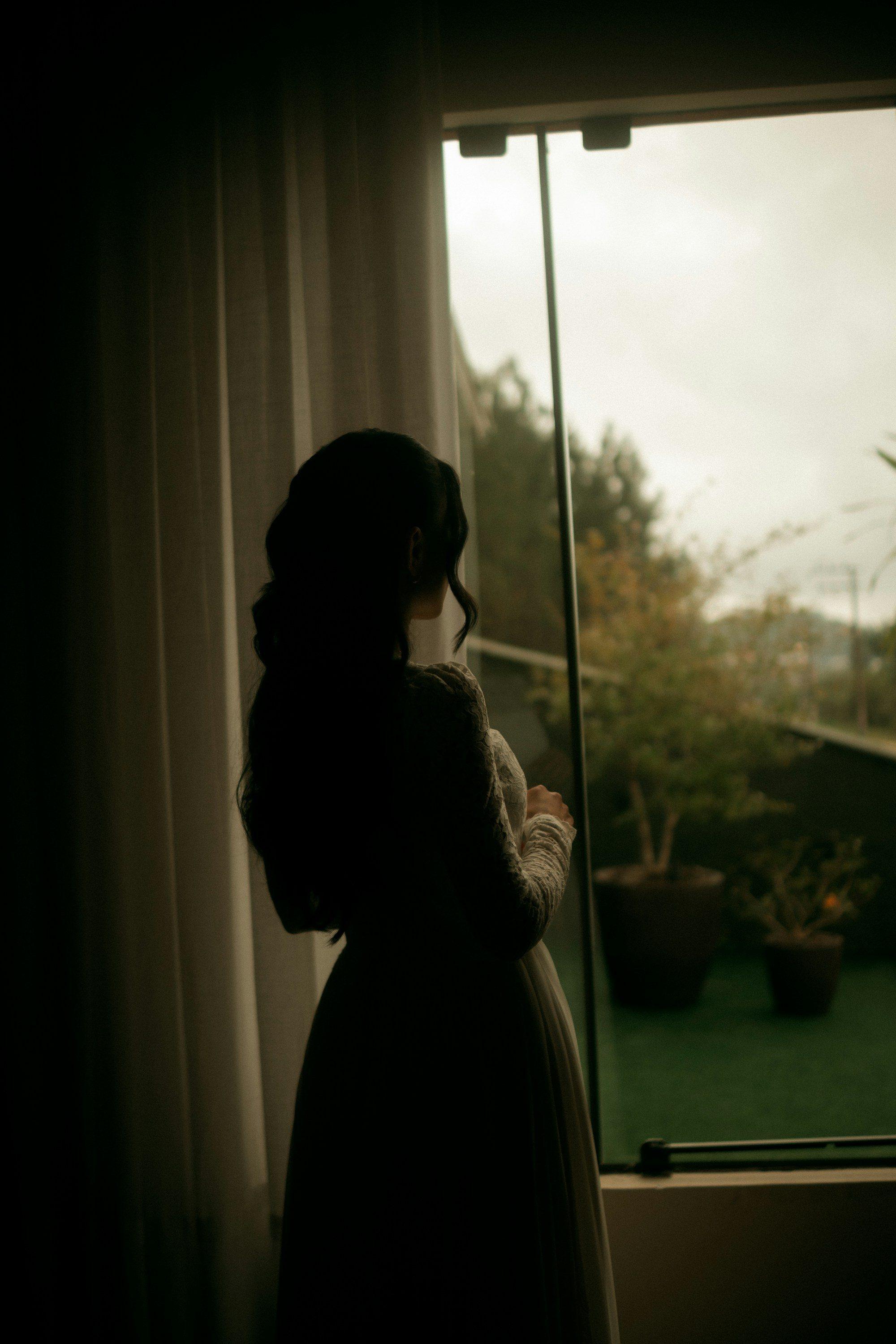
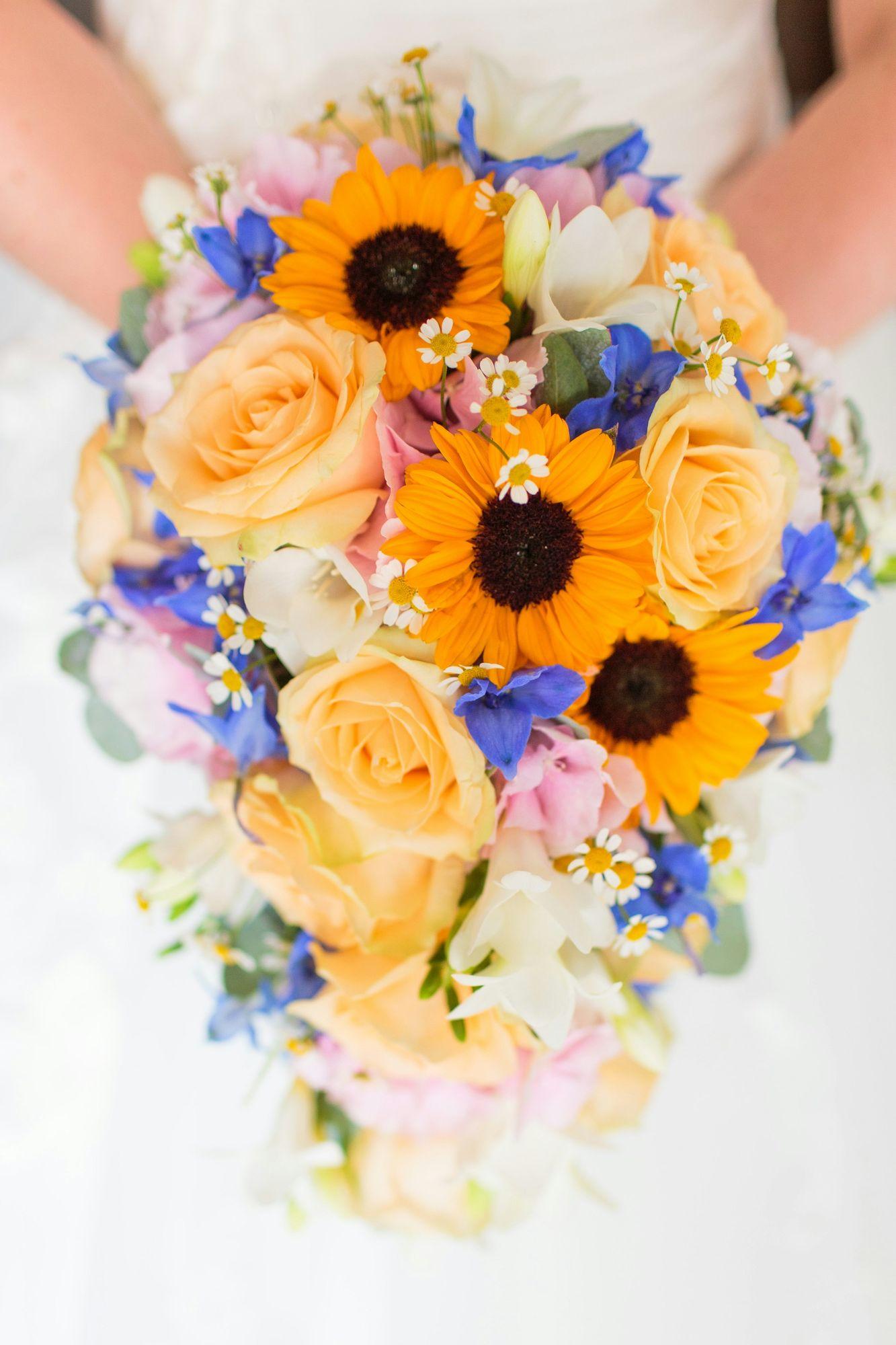
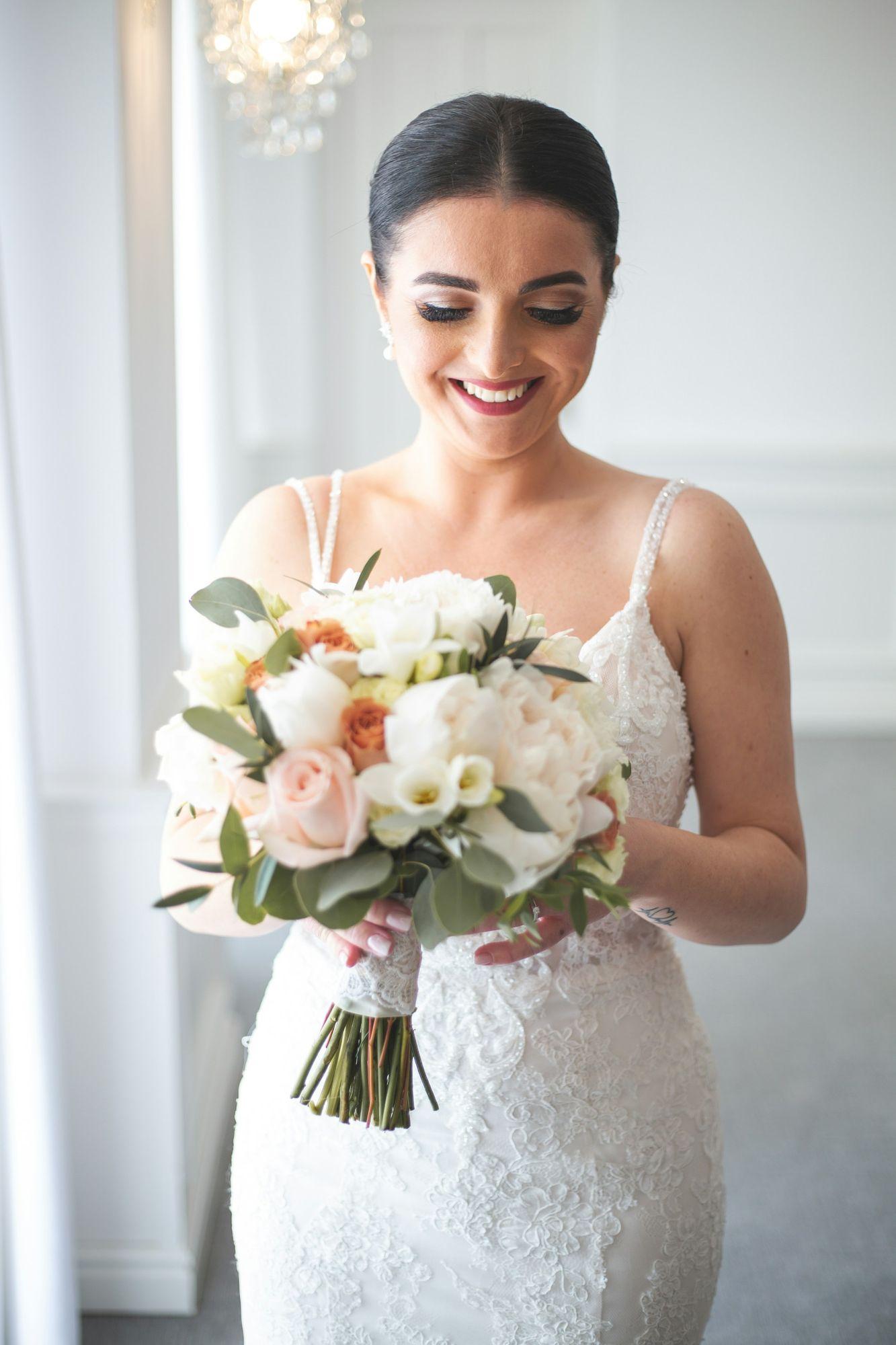
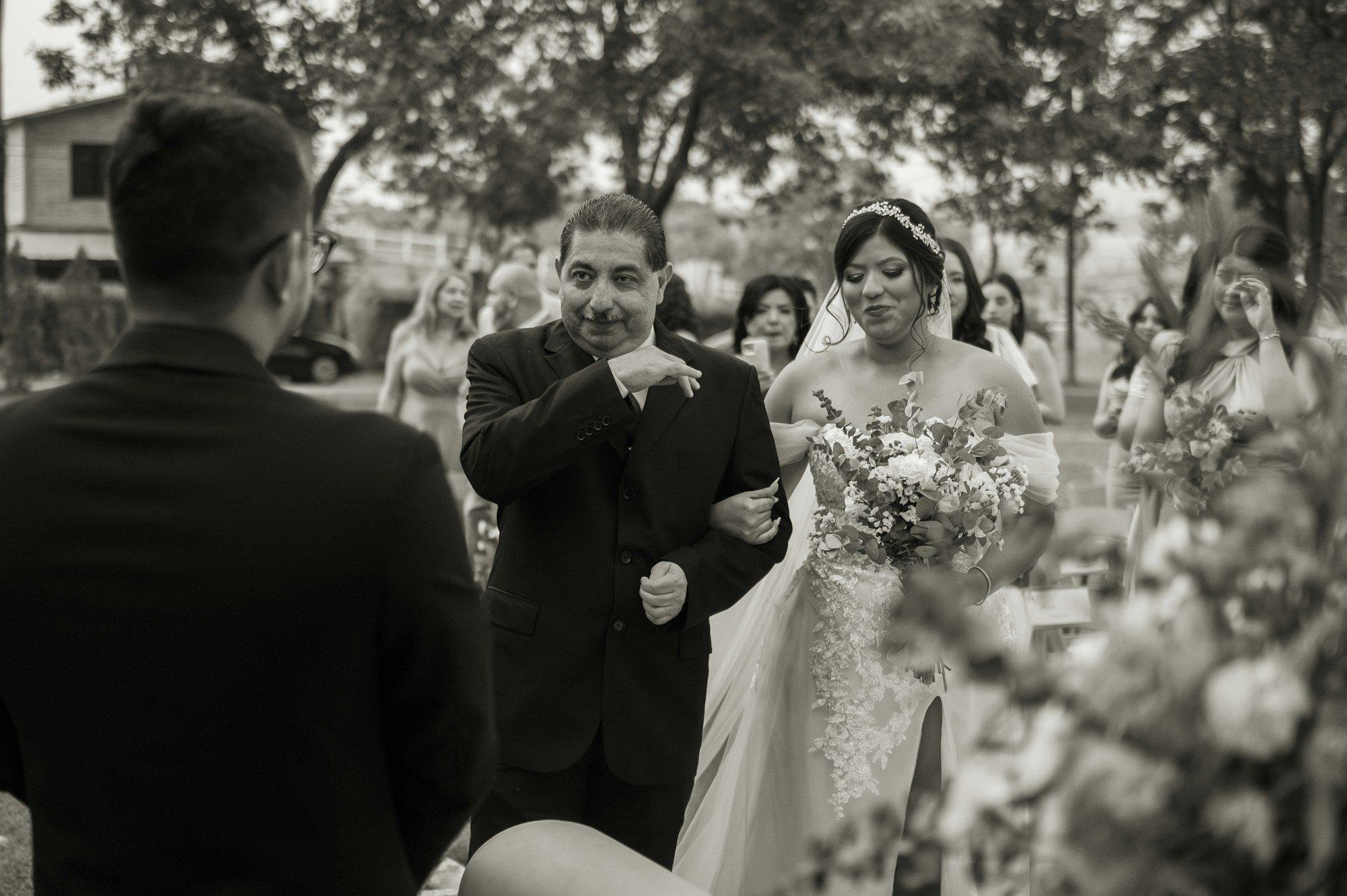
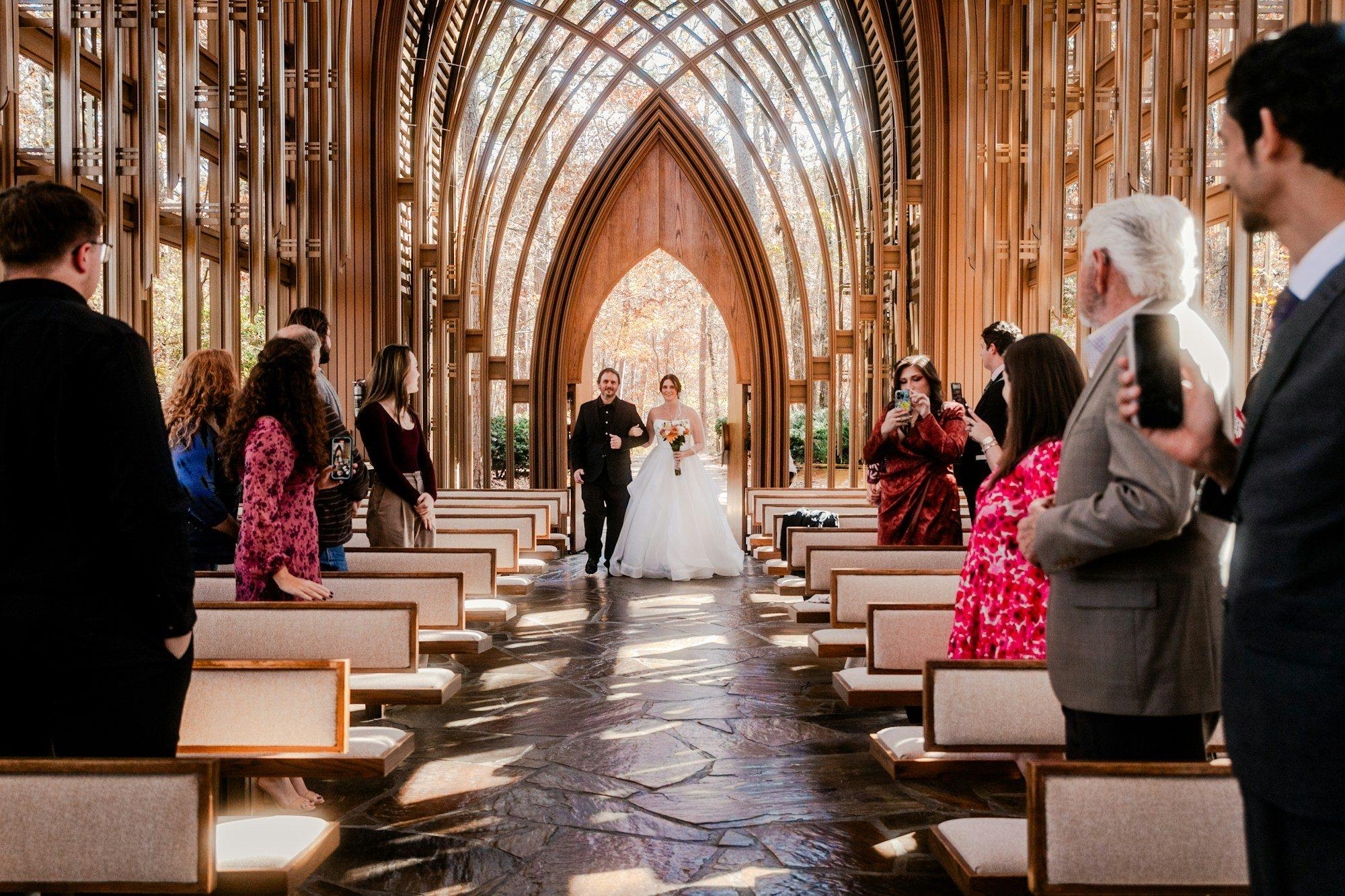
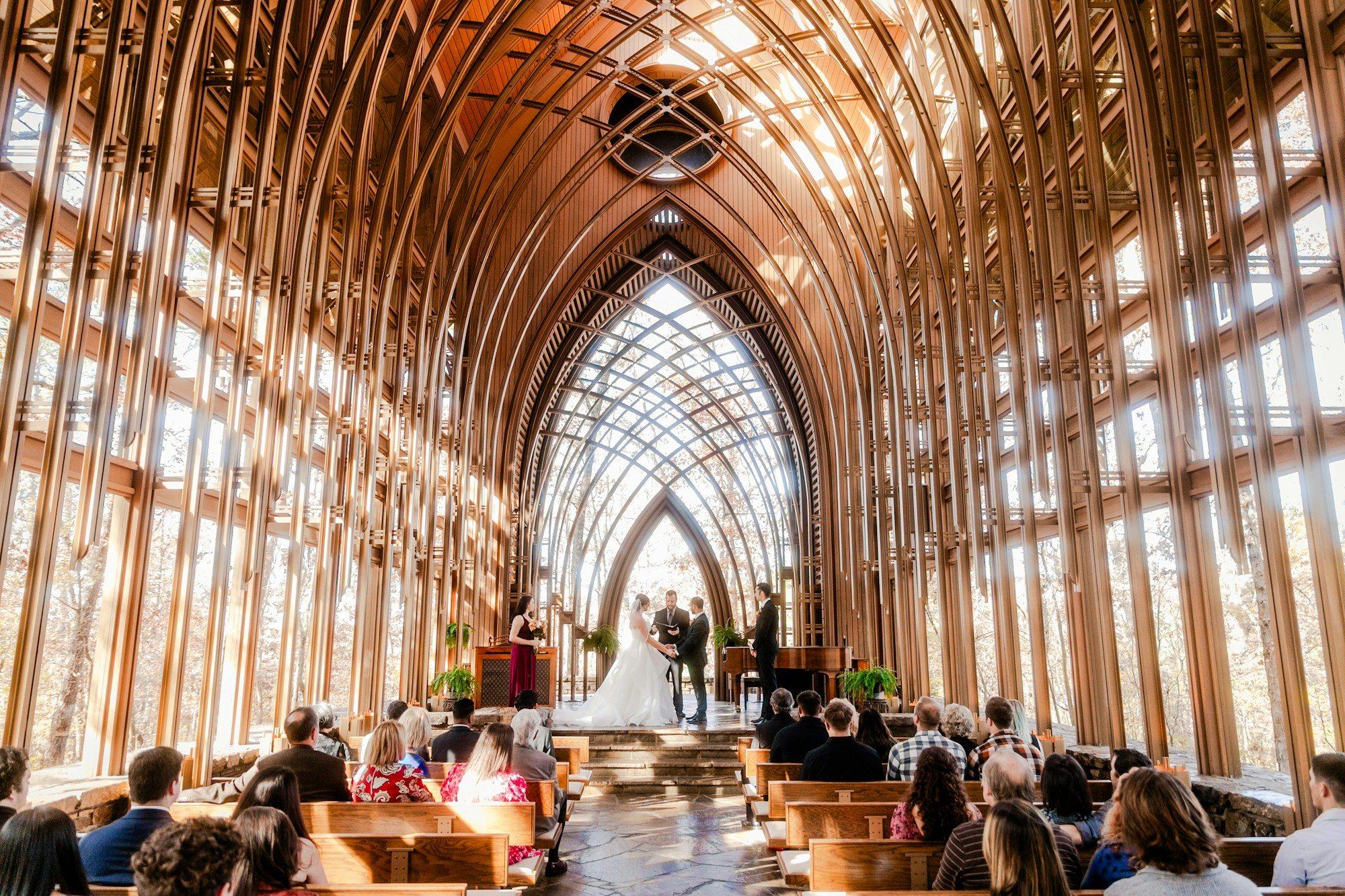
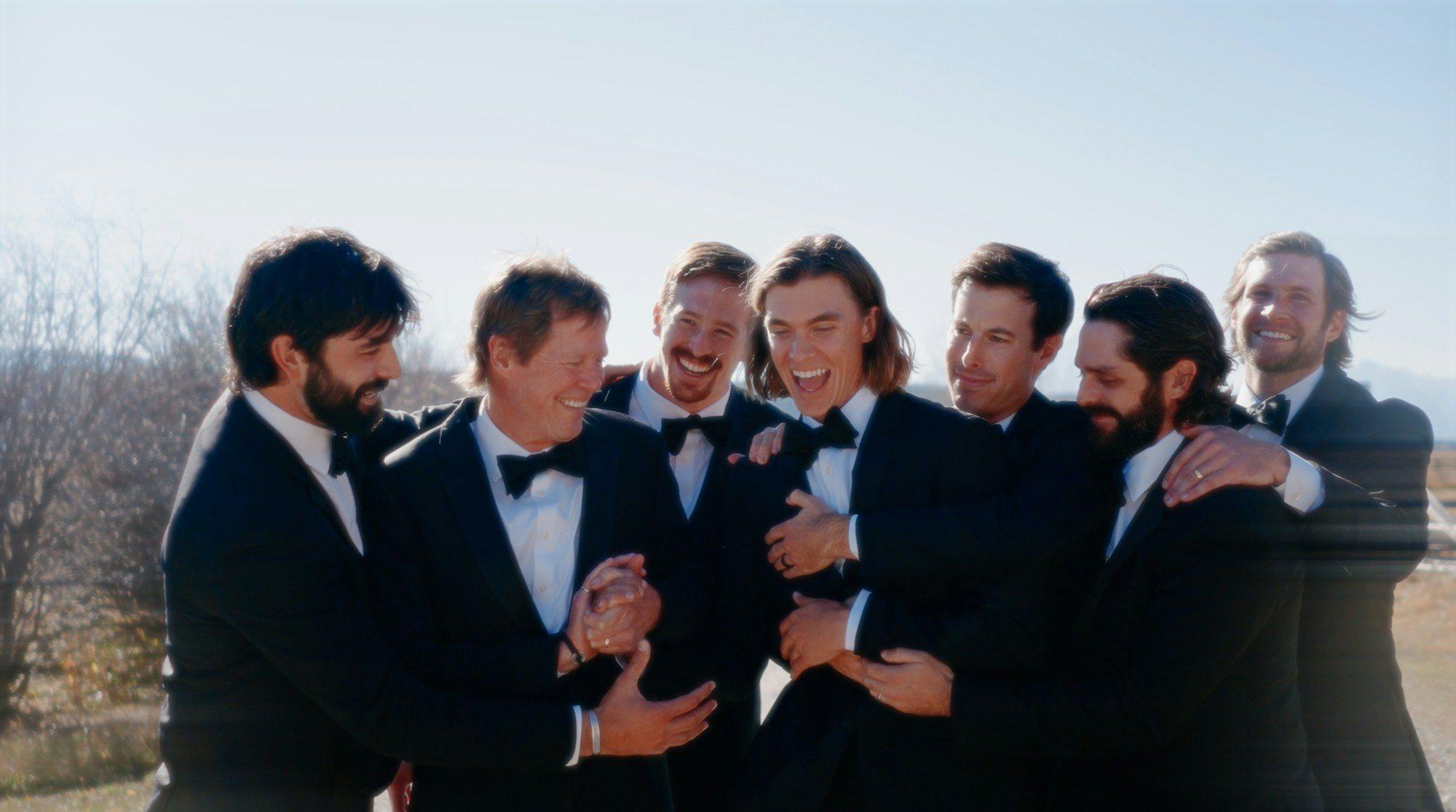
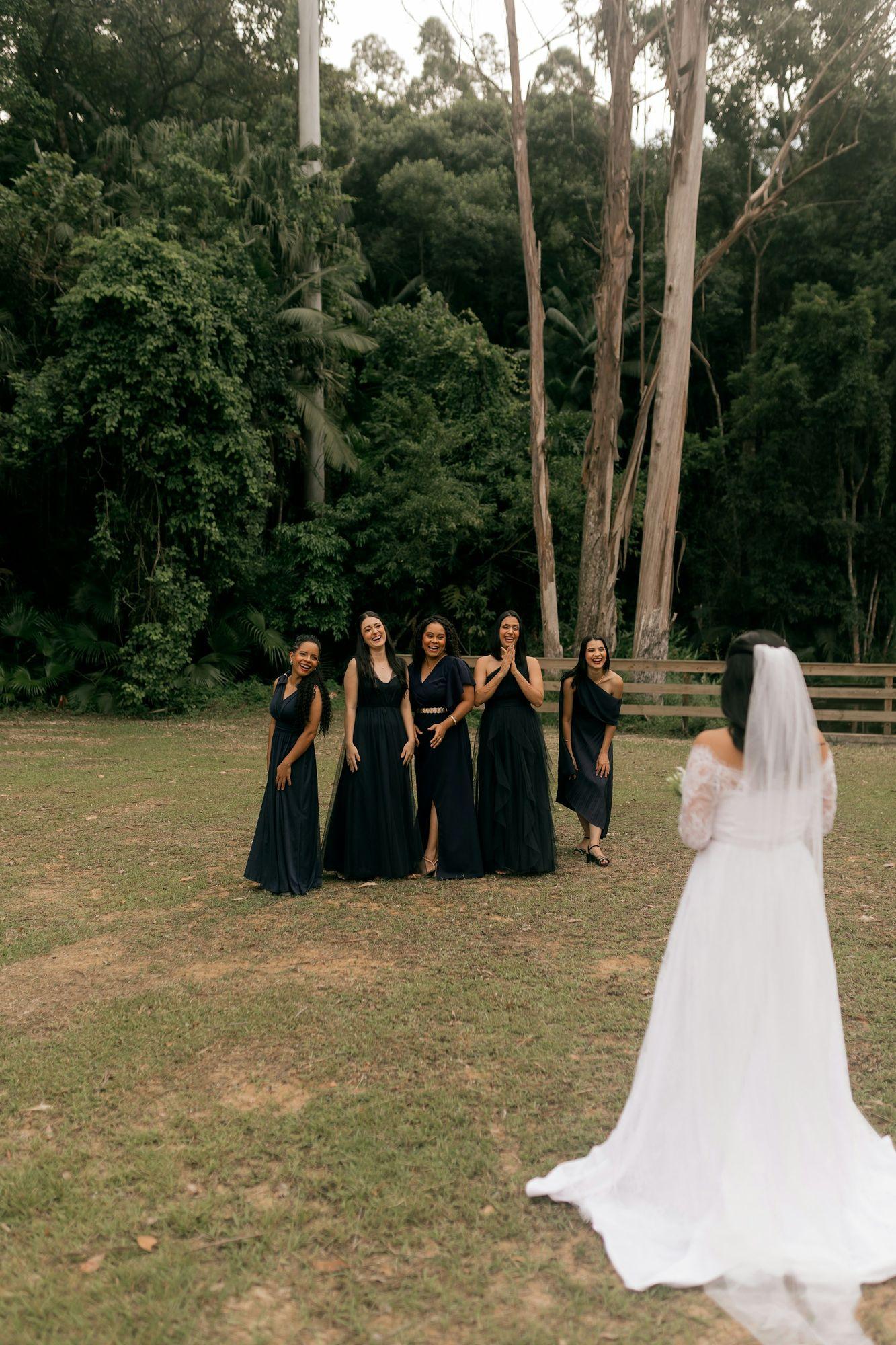
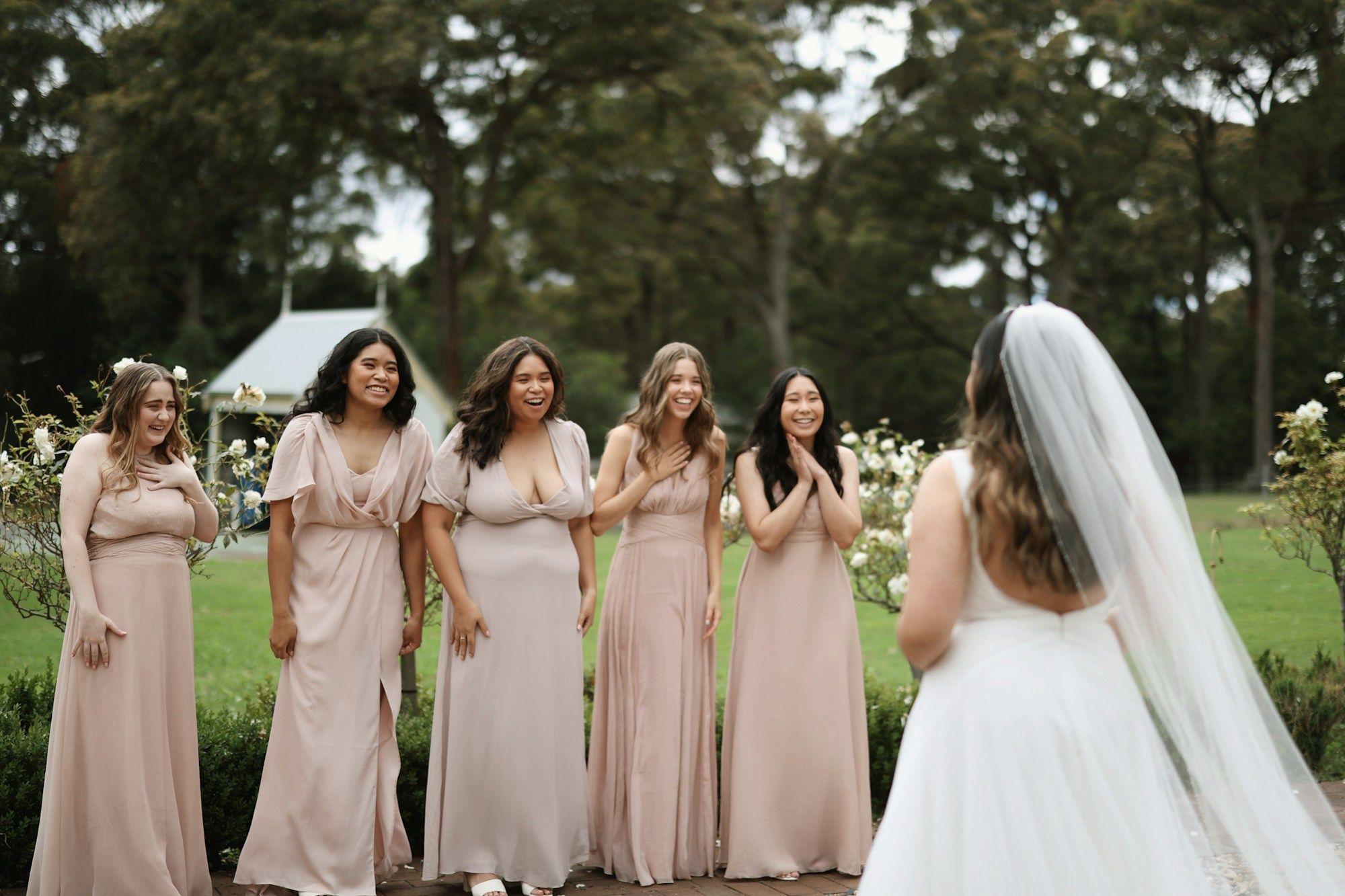
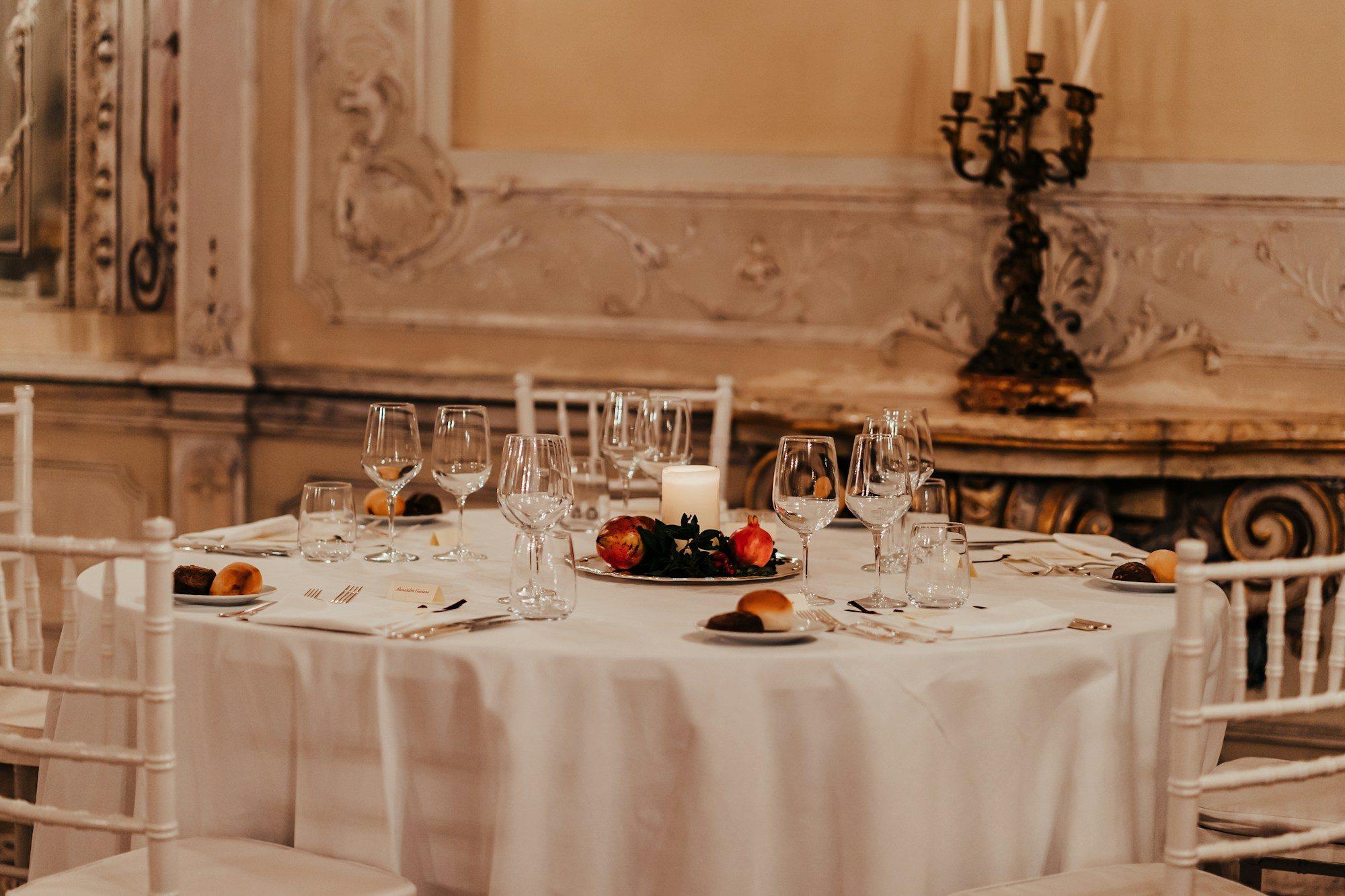
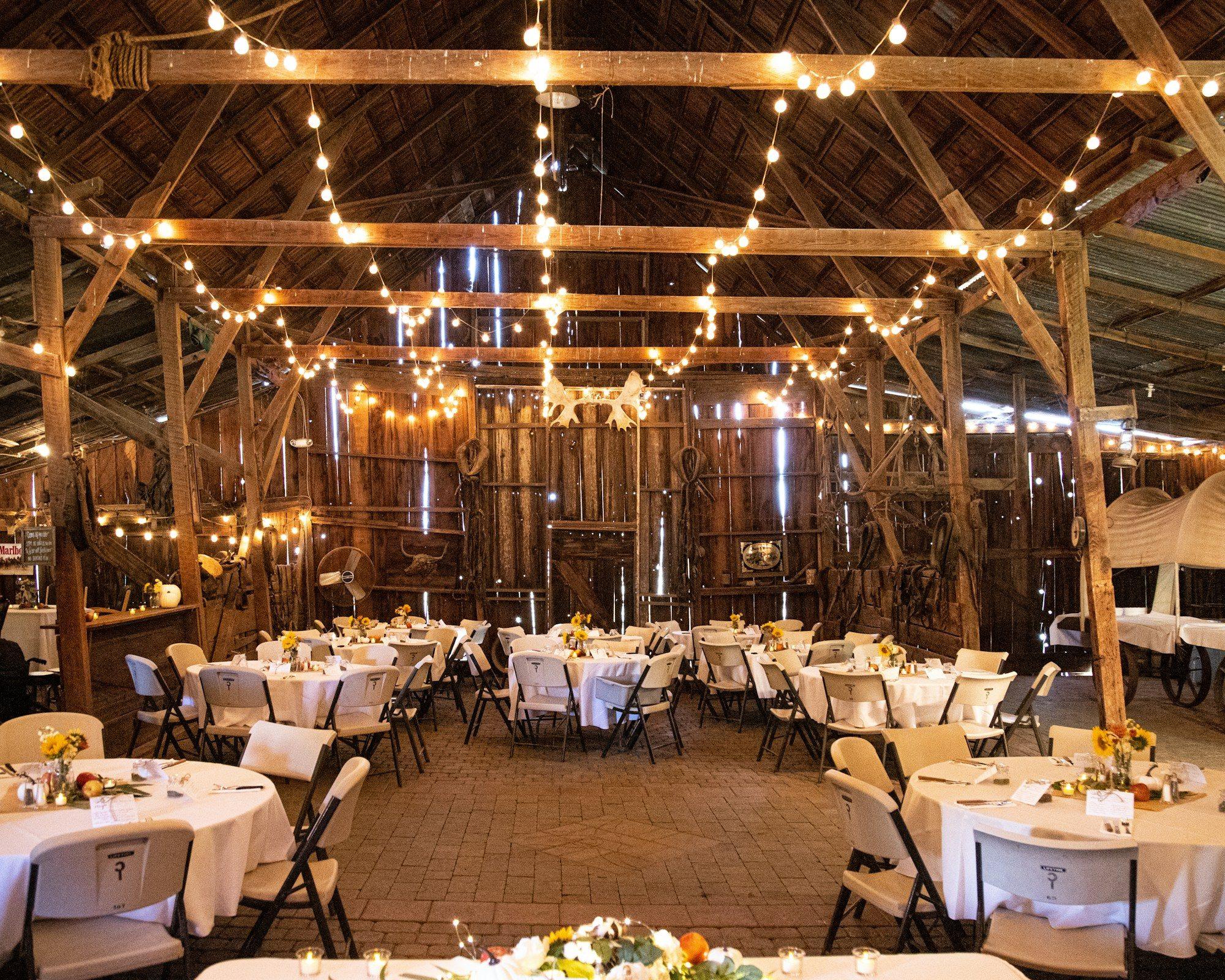
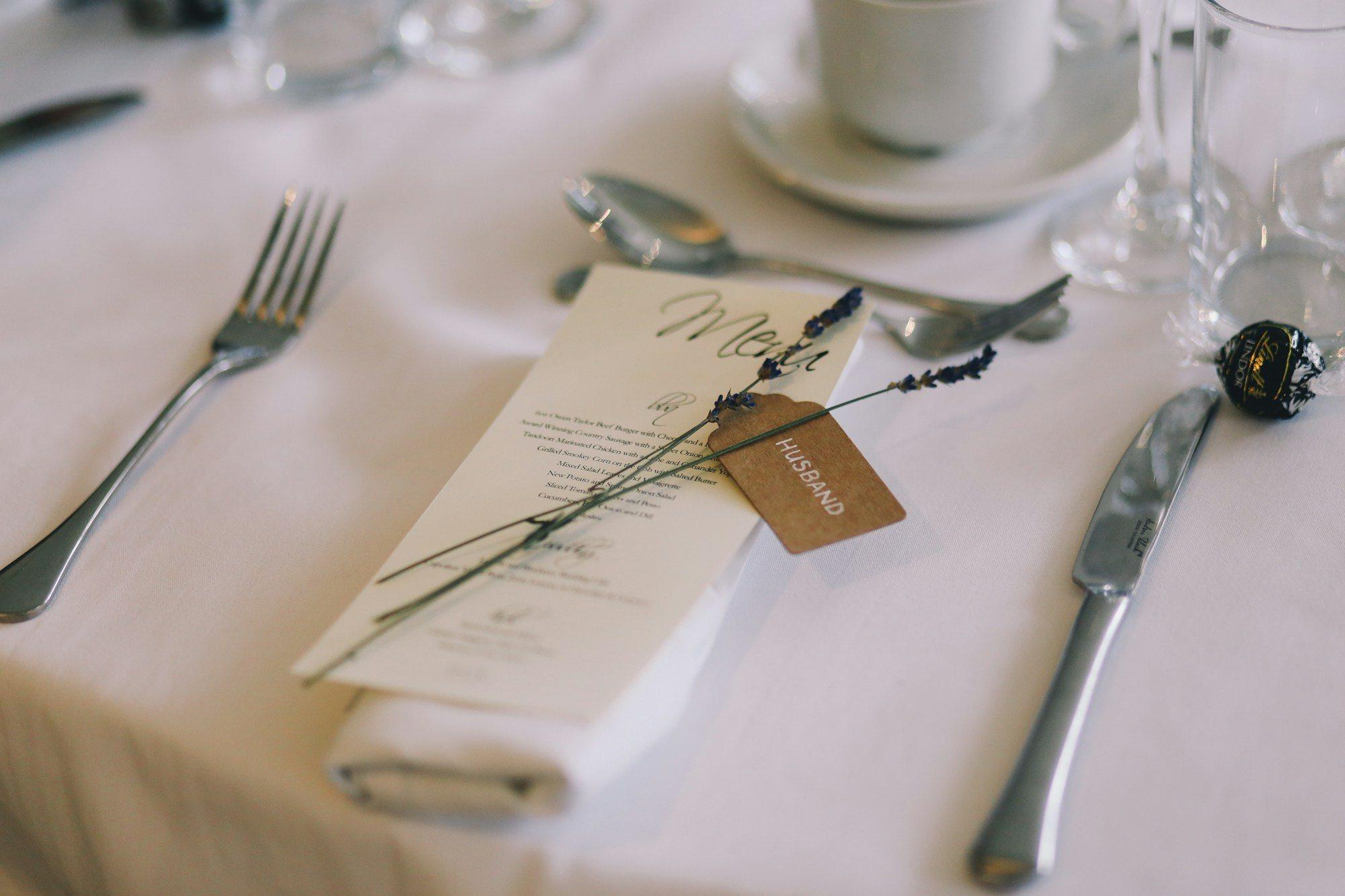
Favourites
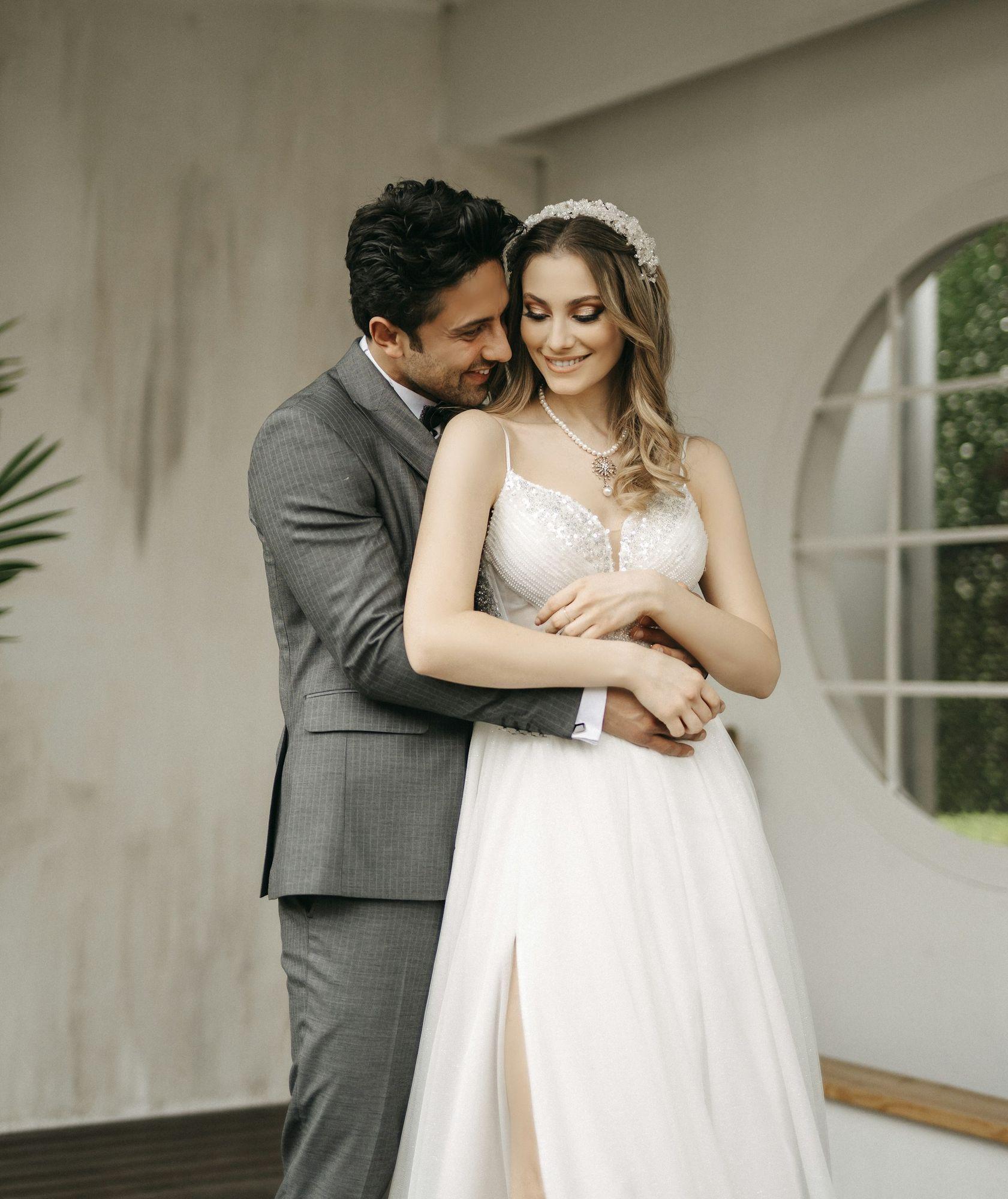
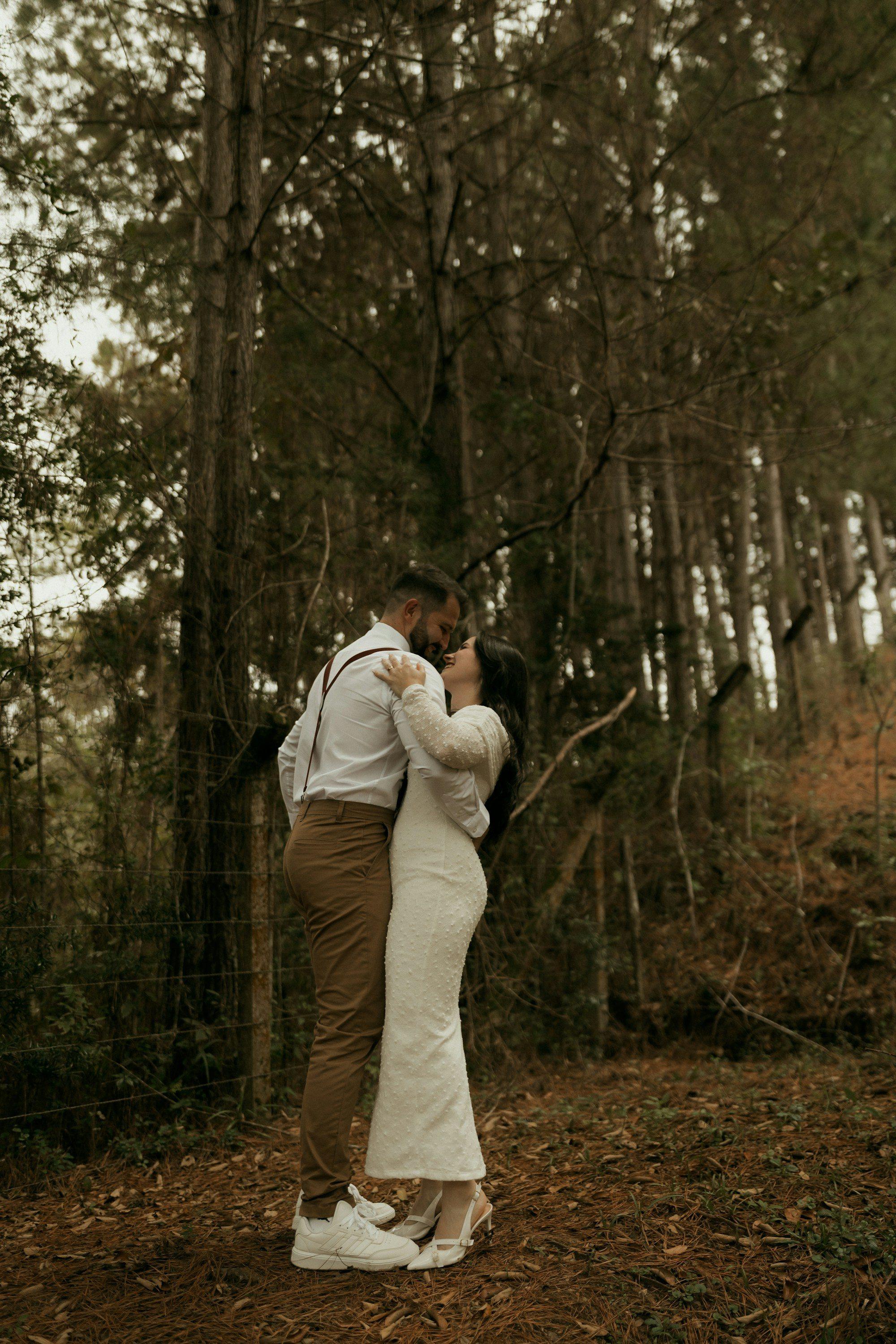
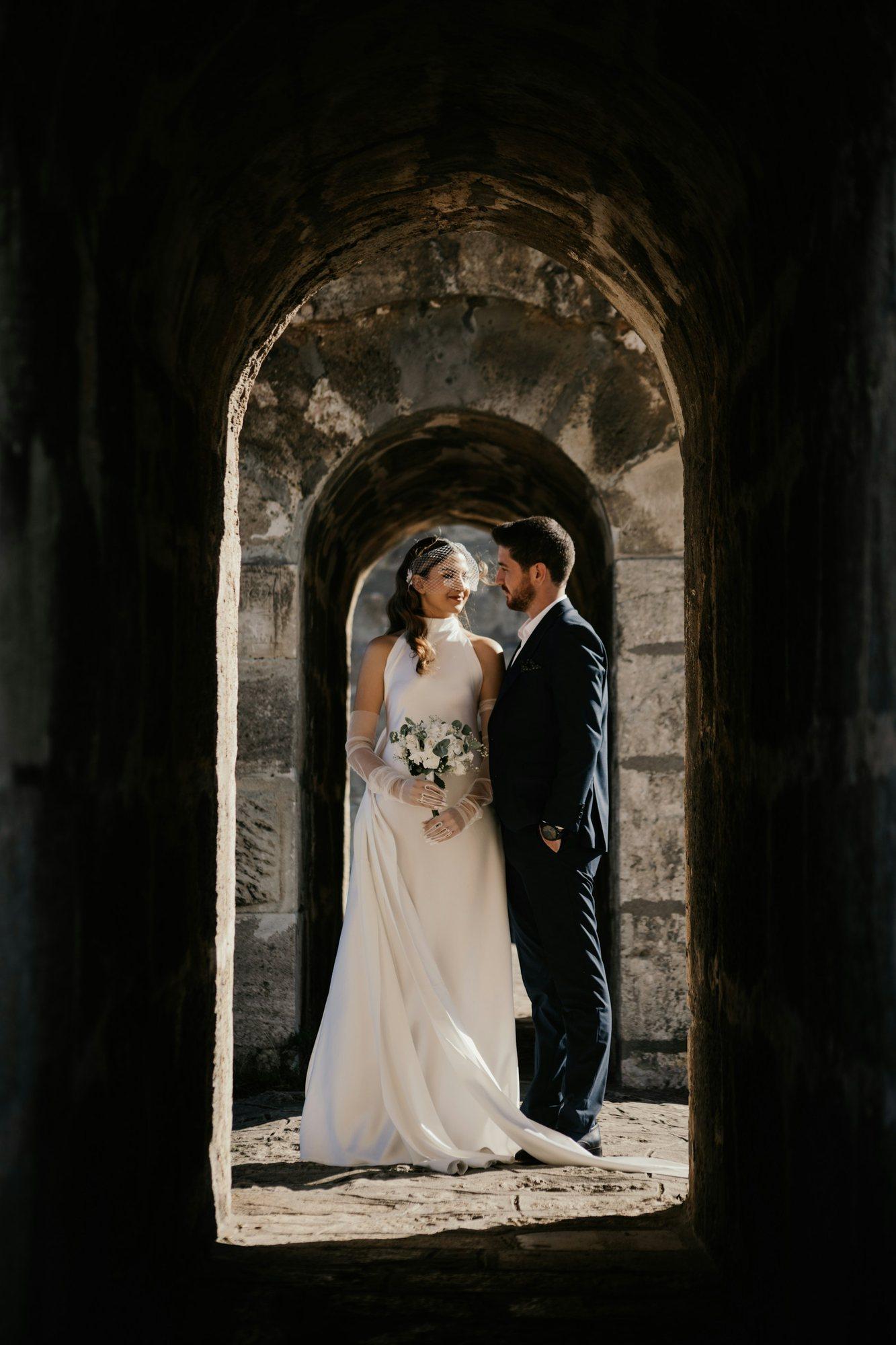
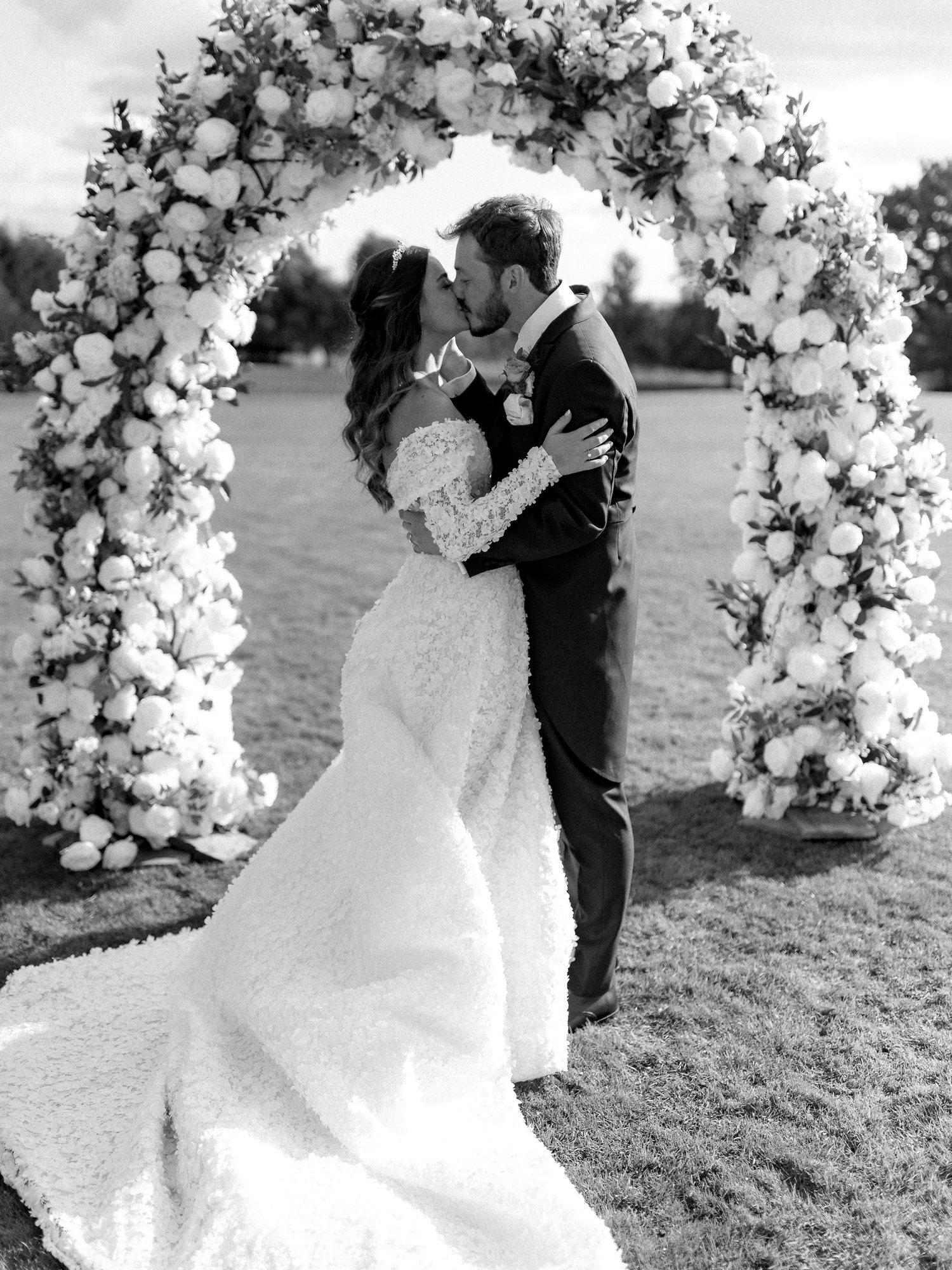
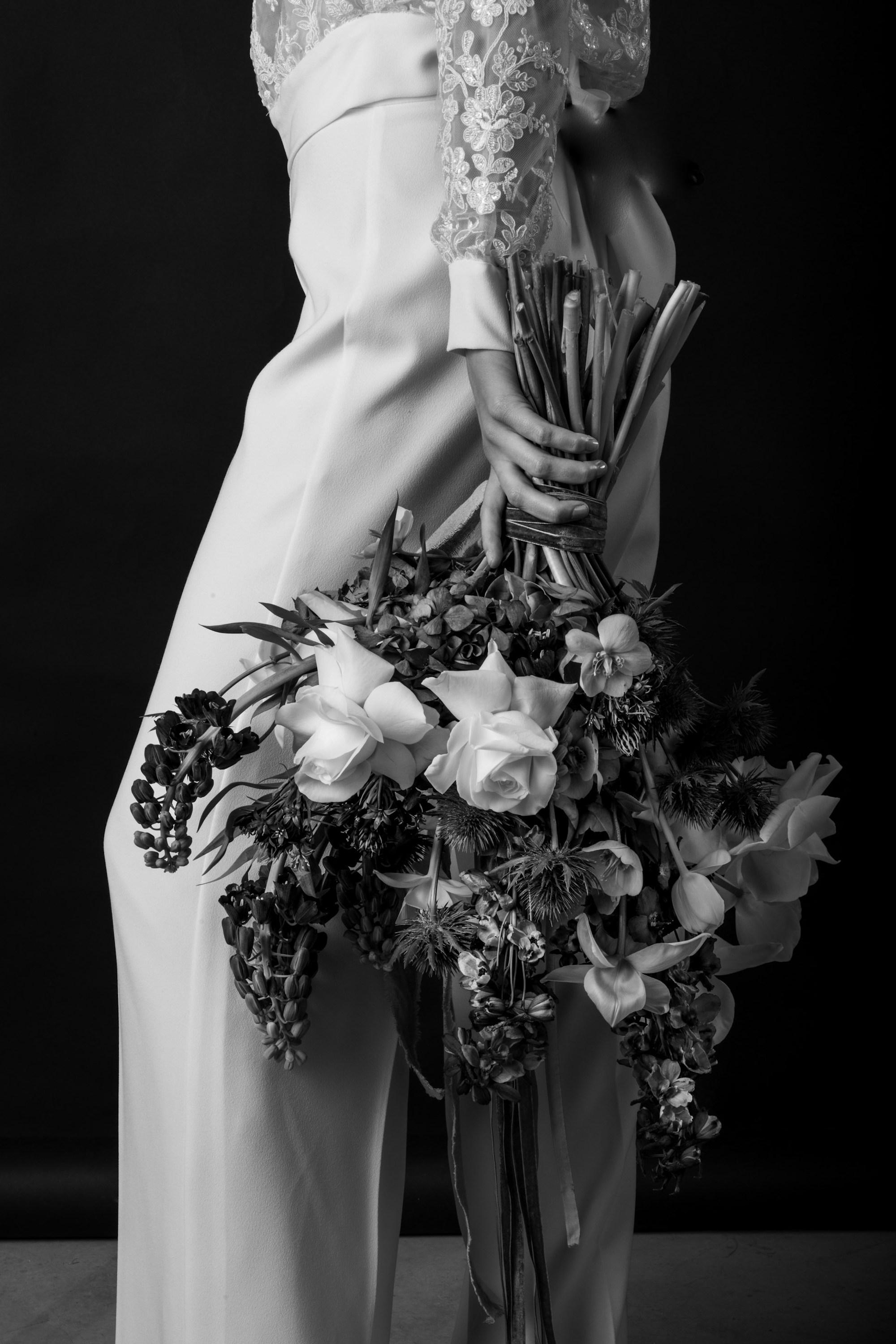
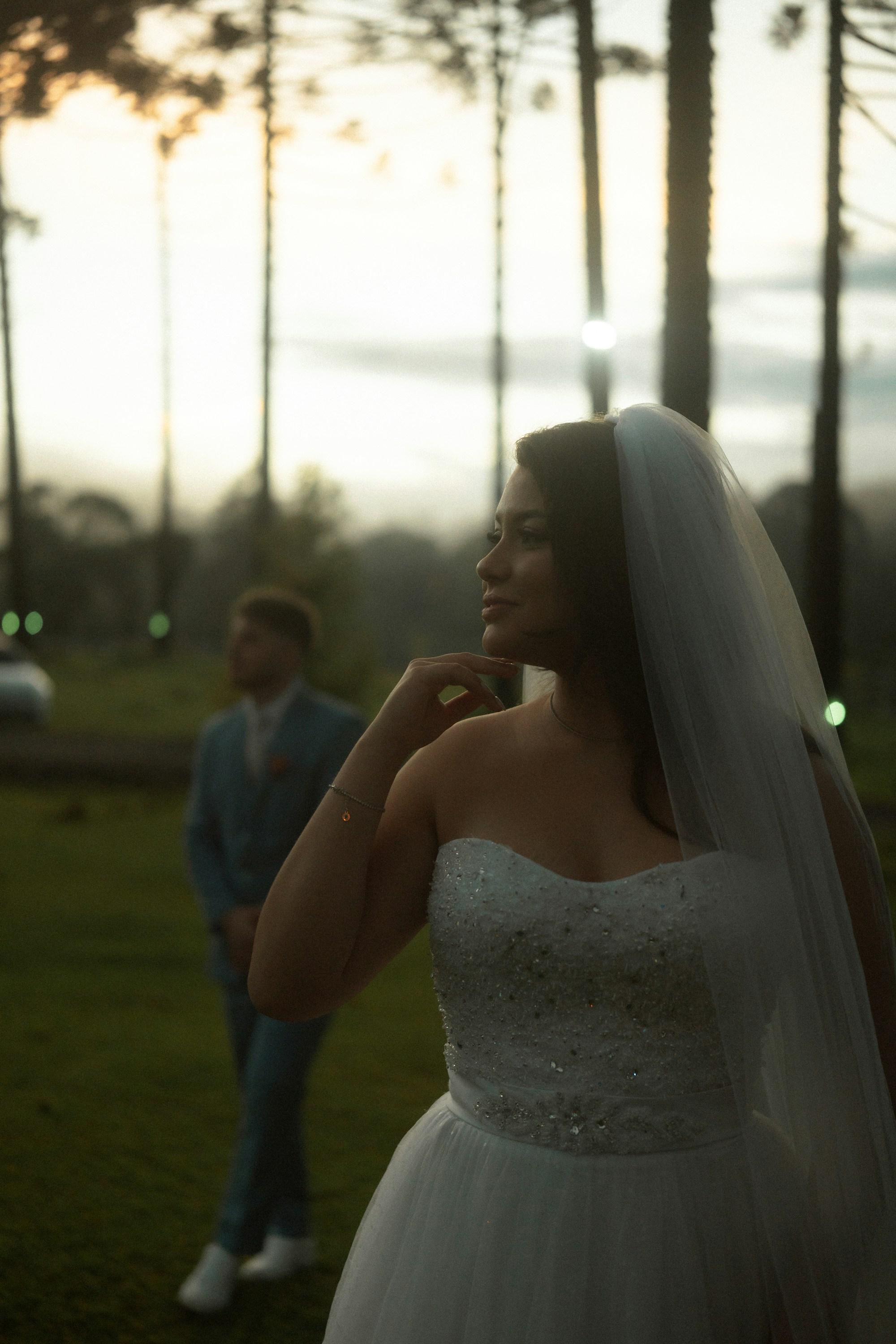
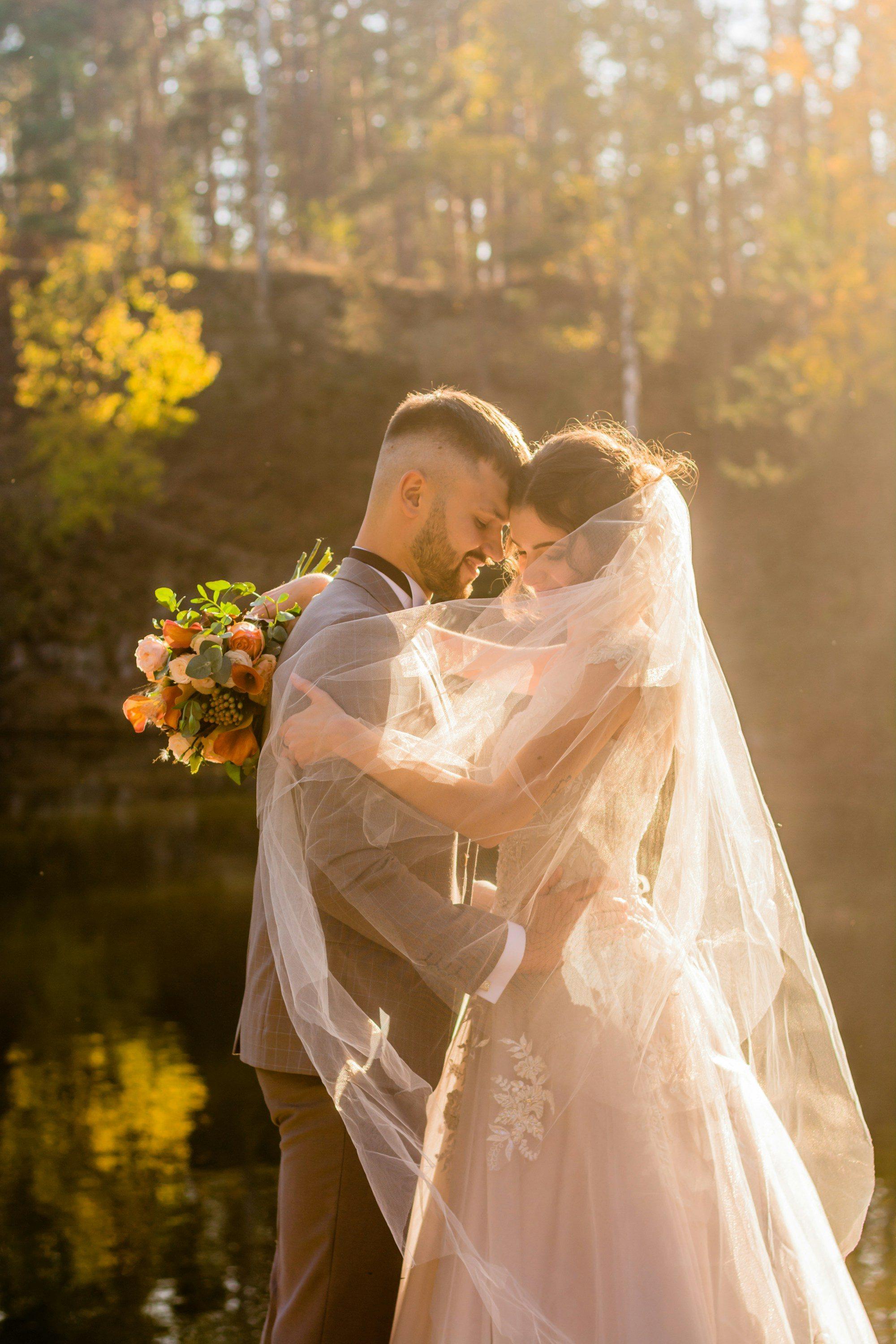
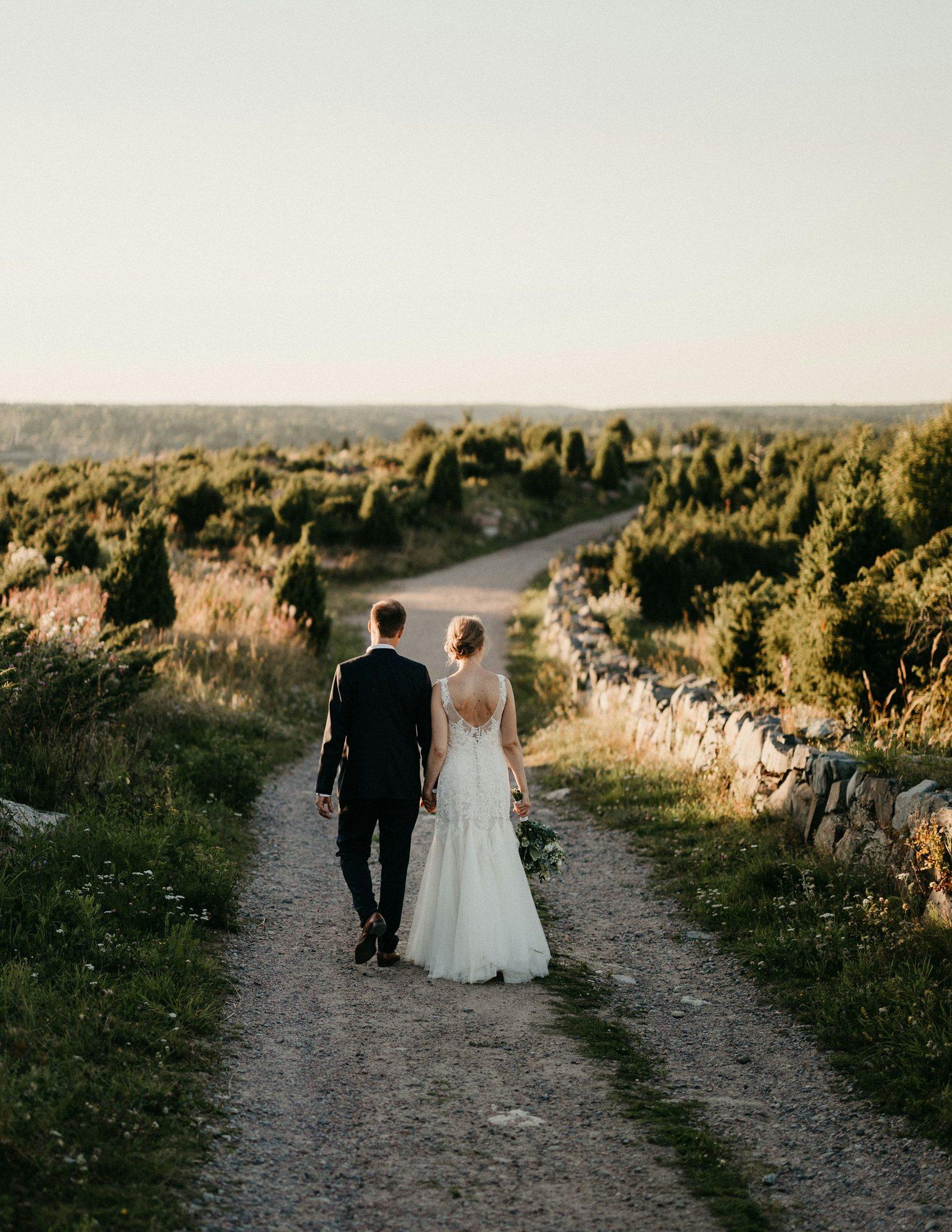
Example studio and client data.
First draft ready
18 spreads6 near duplicates left out
The best of each burst goes in
3 soft photos skipped
Still in the panel if you want them
Crops follow the subject
Faces kept clear of the fold
A first draft that picks well.
New album lays out spreads from the couple's favourites in the order of the day. It leaves out near duplicates and soft photos, crops around the subject and keeps faces clear of the fold.
- Favourites, or the photos you choose
- The best of each burst
- Everything left out stays in the panel
Find everyone for the album.
Filter the photo panel by the bride, the groom, the bridesmaids or the family, and drag them straight in. A quick check shows anyone who isn't in the album yet.
- People and roles found for you
- Filter by person or role
- Who's missing, before it goes to print, on Unlimited
People in this gallery
1,284 photos
Amelia
Bride · 412
Jordan
Groom · 376
Sophie
Bridesmaid · 96
Harry
Best man · 84
Showing 412 photos with Amelia. Drag any of them into the album.
The couple reviews it in their gallery.
Send the album and they open it in your brand. They leave notes on a spread, ask to swap a photo and approve. Each round is a new version, and they see what changed.
- Notes on any spread
- Photo swaps from their favourites
- Versions and approval, on Unlimited
Your album
Amelia on spread 4
Could we swap the top one for the photo of Dad walking me in?
Start your album
Four questions, then we'll lay out a first draft for you both to look through.
- Which photos?
- Our favourites (186)
- How many spreads?
- 15
- Which look?
- Clean and classic
- Words for the cover
- Amelia & Jordan · 12.06.2027
Or let them start it.
Turn it on and the couple's portal gets a Start your album card. Four questions, a first draft on their review page, and a note to you that it's there to finish.
- Off until you switch it on
- Your size and suggested length
- A link you can put in any email
Files the lab can print.
A check before export flags soft or missing photos. Then you get 300 ppi sRGB files with bleed, as spreads, pages or a PDF, and an email when they're ready. Covers come out the same way, front only or a full wrap with the spine.
- Photo, framed or text covers in your fonts
- Parent copies at smaller sizes
- Your own album sizes and lab presets
Print files
12×12 album, and two 8×8 parent copies
- 18 spreads, every photo at 300 ppi or more
- Cover: full wrap, 12 mm spine, title in your font
- Spread 11: one photo prints at 212 ppi at this size
- Format
- PDF spreads
- Colour
- sRGB
- Bleed
- 3 mm
Make print files· we'll email you when they're ready
The whole album maker.
On both plans
- First draft from favourites
- Near duplicates and soft photos left out
- Builder for laptop and phone
- Swap, resize, crop, hero and full bleed
- Shuffle layouts, lock spreads, undo
- Covers in your own fonts
- Parent copies at smaller sizes
- Your album sizes and lab presets
- Print files: spreads, pages or PDF
On Unlimited
- Couple review, notes and photo swaps
- Versions and approval
- Couples start their own album
- Filter photos by person or role
Album questions.
Which plans include albums?
Album design is on both plans: first drafts, the builder, covers, your album sizes and print files. Sending an album to the couple for review and approval, and letting couples start their own album, are on Unlimited. Every free trial can try all of it.
Which labs will take the files?
Any lab that takes print-ready spreads or pages. Files are 300 ppi sRGB with the bleed you set, as JPEG spreads, single pages or a PDF with trim and bleed boxes. Start from a lab's preset size or enter its specs yourself.
Do I have to start from the automatic draft?
No. The draft is a starting point you can shuffle, rearrange or clear. Lock the spreads you like and the rest can change around them.
How does it choose photos?
From the couple's favourites or the photos you pick, in the order of the day. Near duplicates and soft photos are left out, crops follow the subject, and faces are kept clear of the fold. Everything left out stays in the photo panel.
What does the couple see?
A review page in your brand, inside their gallery. They leave notes on a spread, ask to swap a photo and approve. Each round is a new version, and they can see what changed since the last one.
Design your next album tonight.
Upload a gallery, press New album and see the first draft. Fourteen days free, no card.